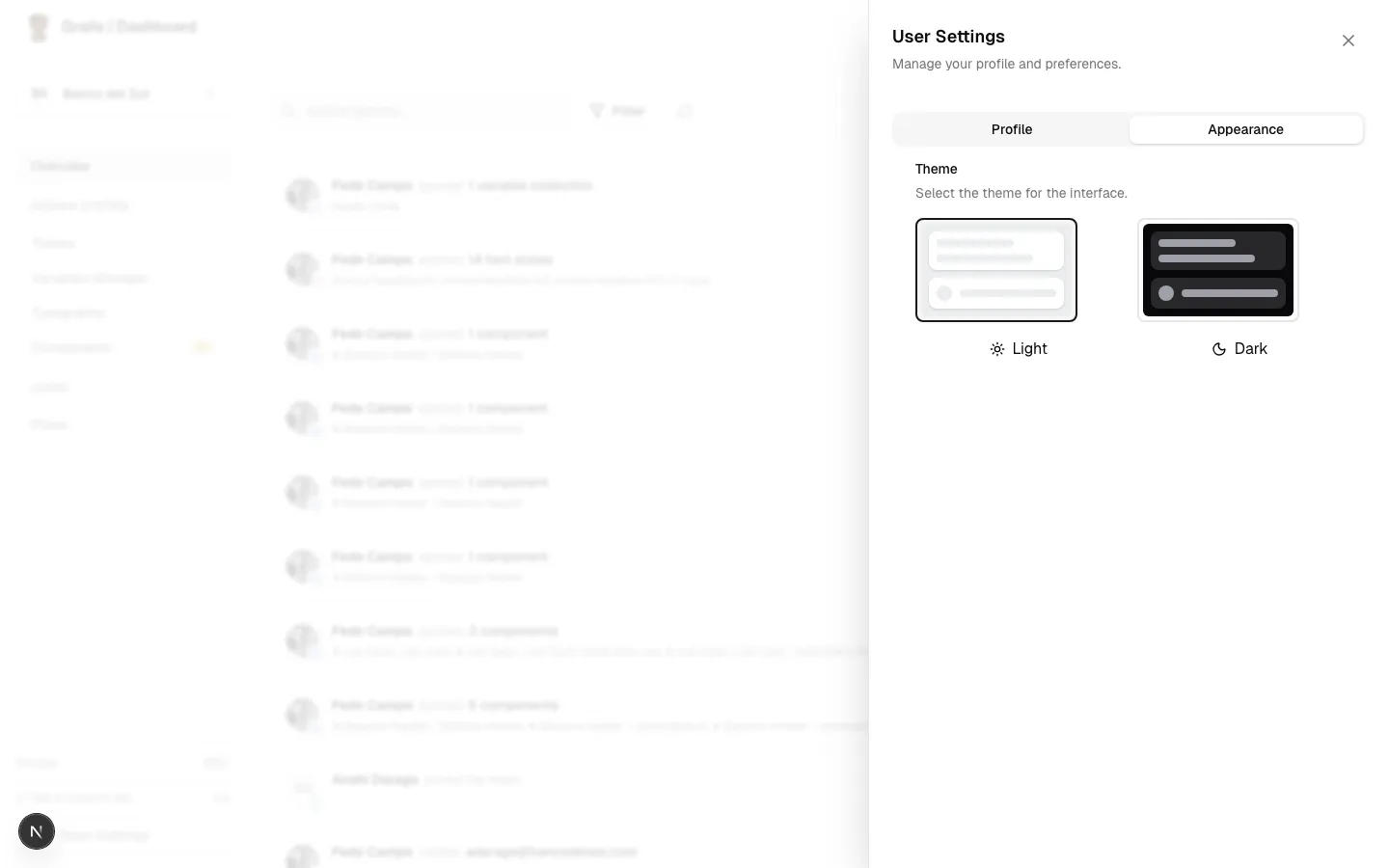
User Settings
Introduction
The User Settings panel allows you to manage your personal profile information and customize the Grails interface to your liking. This drawer is accessible from anywhere in the platform via the main sidebar.
Overview
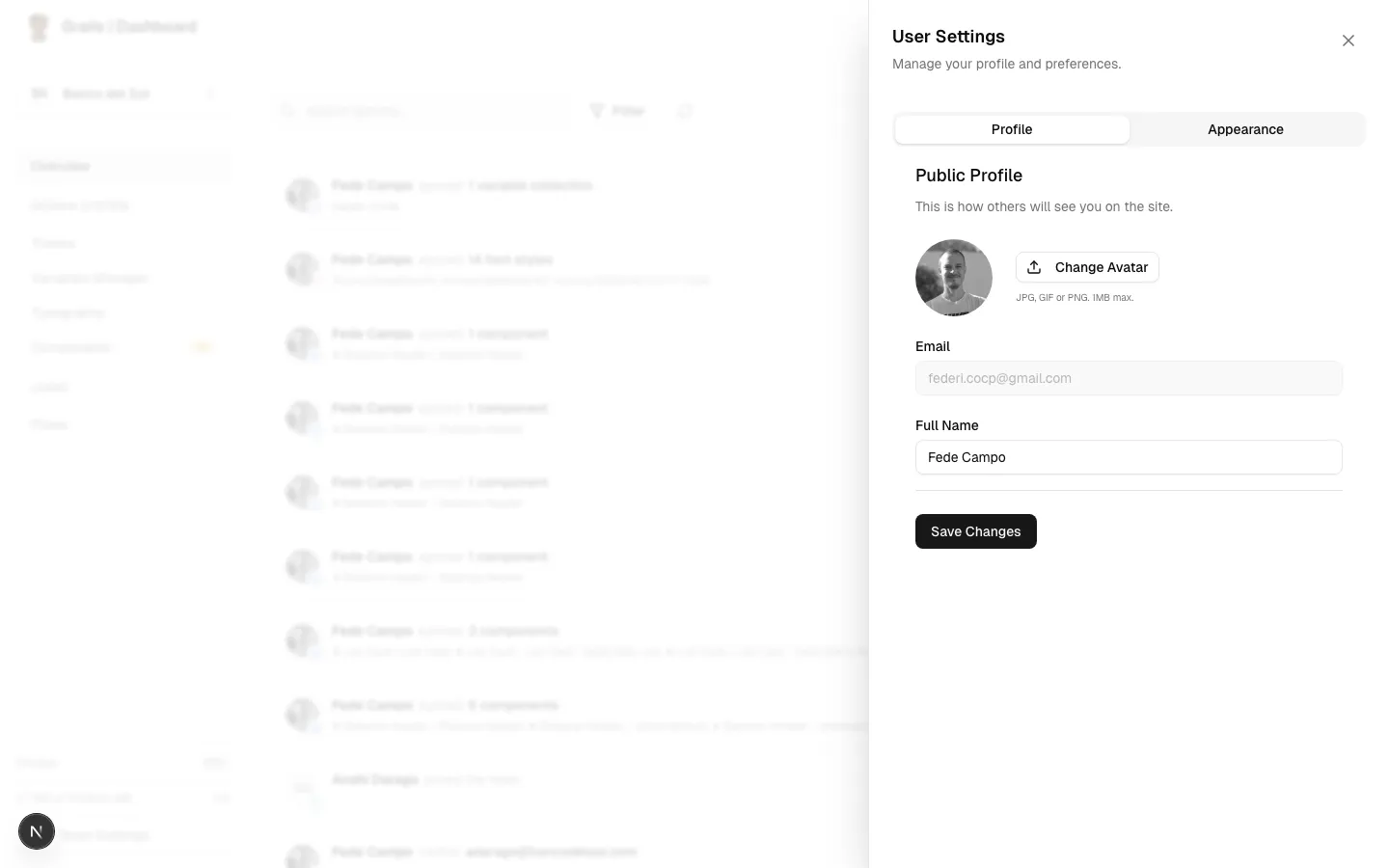
The user settings drawer is divided into two main tabs to help you organize your preferences:
- Profile: Edit your personal information, such as your name and avatar.
- Appearance: Toggle between different interface themes.
Profile Tab
In the Profile tab, you can view and update your basic account information:
- Name: Your display name visible to other team members across the platform.
- Email: The email address associated with your account (view-only).
- Avatar: Your profile picture. If not set, it will display the initials of your name.
Appearance Tab
The Appearance tab lets you customize how Grails looks on your device:
- Light Mode: A bright, clean interface for well-lit environments.
- Dark Mode: A dark, high-contrast interface to reduce eye strain in low-light environments.